


ODM All In One Interactive Flat Panel 55 Inch 350nits Max. Brightness
Android CPU:Quad-core
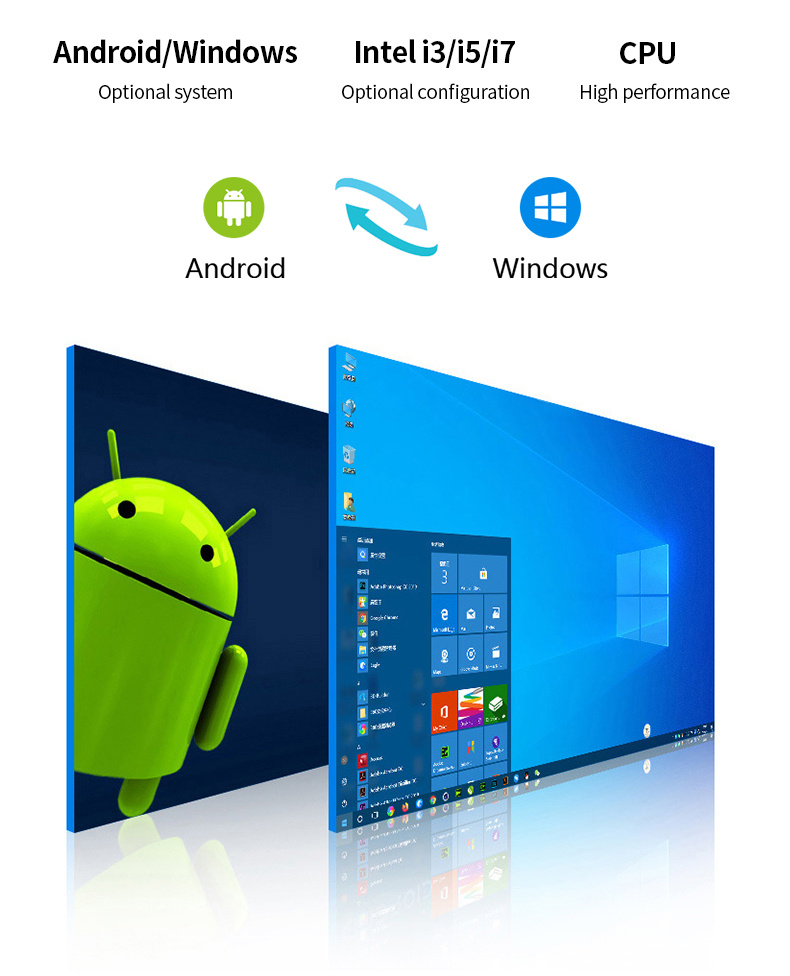
Android Version:Android 11, Android 12
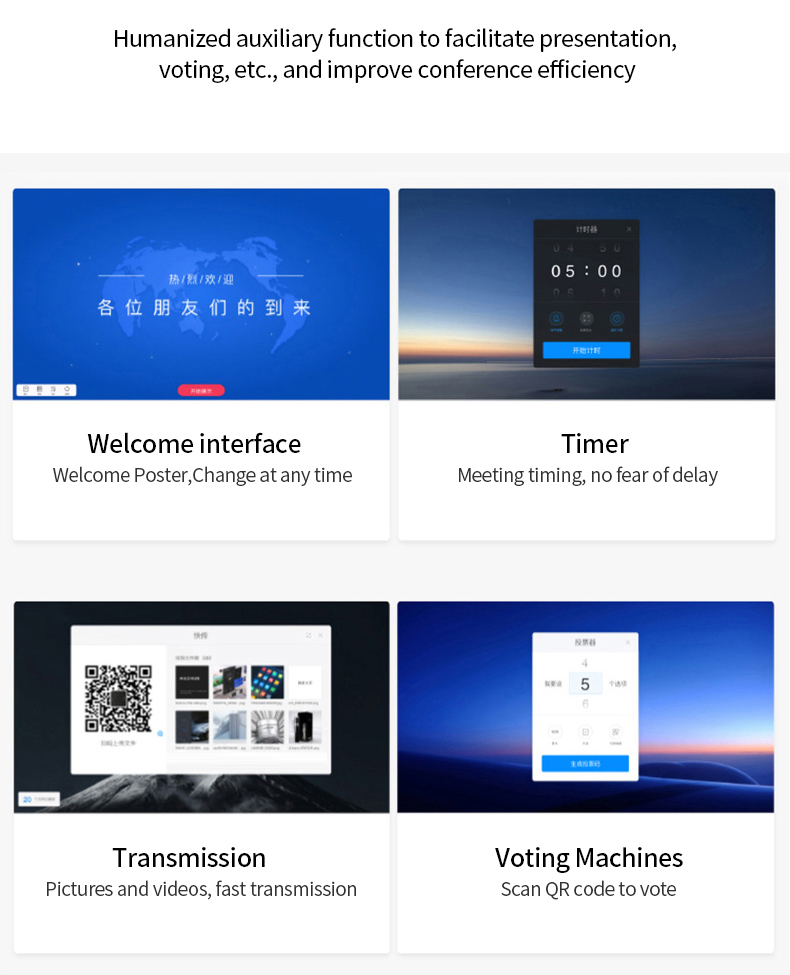
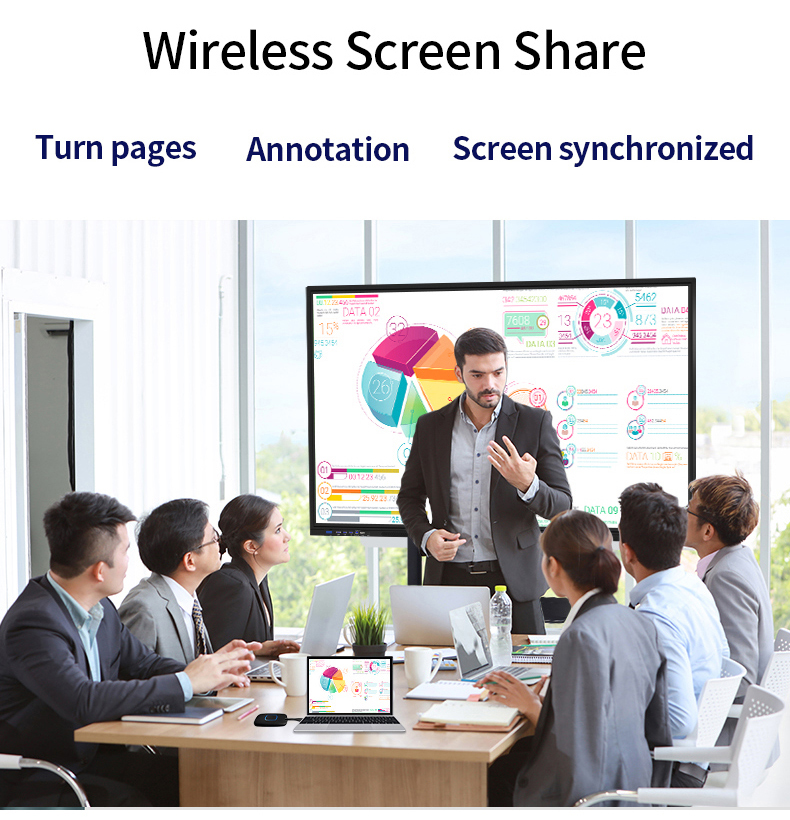
Functions:Screen Share, Video Meeting, Teaching
Colors:White, Black
OEM/ODM:Accept
* Mainly for school eductaion & commercial conferences
* IR touch with 40 points
An interactive whiteboard (IWB) / interactive flat panel is a technological tool that has become increasingly popular in educational settings. It is essentially a large touch-sensitive display that can be connected to a computer or other device, and allows users to interact with digital content using a stylus or their fingers.
How can a teacher learn to use Interactive flat panel effectively in education:
To use interactive whiteboards (IWBs) effectively in the classroom, teachers need to develop their skills and knowledge in several areas.
Here are some suggestions for how teachers can learn to use IWBs effectively:
Collaborate with other teachers:
Collaborating with other teachers who use IWBs can be a valuable way to share ideas and learn from one another. Teachers can share lesson plans and activities that use IWBs, as well as tips and tricks for using the technology effectively. This can help to build a supportive community of practice around IWB use.
Use online resources:
There are many online resources available to help teachers learn how to use IWBs effectively. Websites such as YouTube and EdTechTeacher offer tutorials, webinars, and other resources to help teachers develop their skills. Teachers can also join online communities, such as social media groups and forums, to connect with other educators and share ideas.
Be creative:
Effective use of IWBs often involves thinking creatively about how to integrate the technology into lessons. Teachers can experiment with different types of multimedia resources, such as videos, images, and audio, and use these resources to create engaging and interactive activities. By thinking outside the box, teachers can find new and exciting ways to use IWBs to enhance learning in the classroom.
Product Parameters in details of Interactive Flat Panel Display:
| Model Name | Interactive Flat Panel Display |
| Size | 55inch (65inch, 75inch, 85inch, 86inch, 98inch optional) |
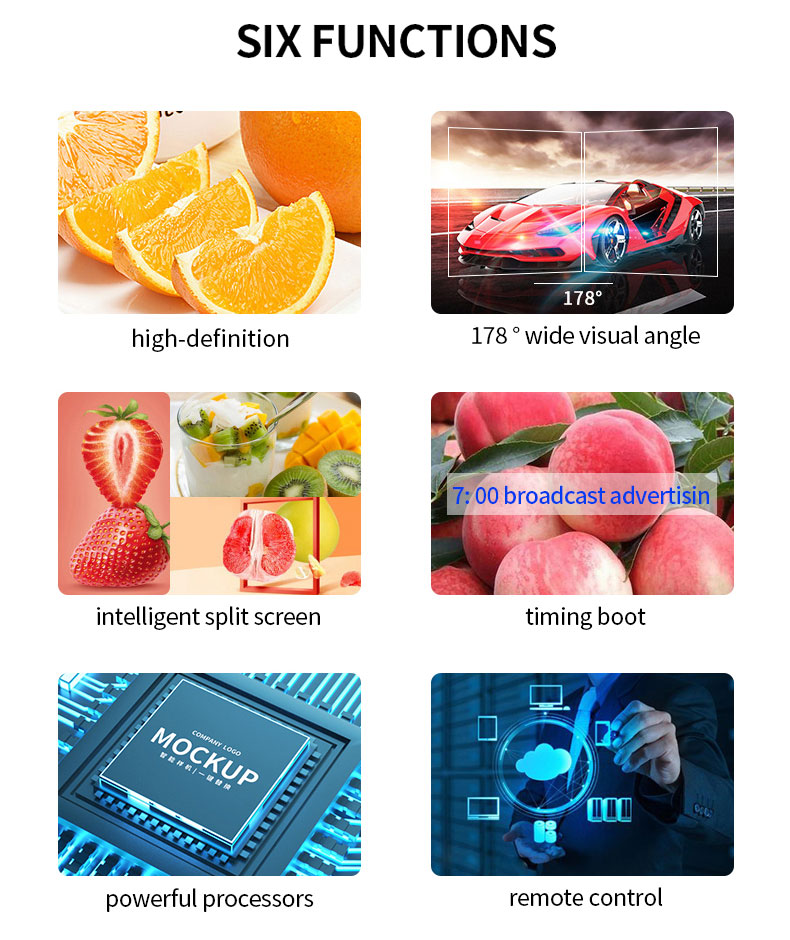
| Screen Resolution | 4K: 3840*2160 / 60Hz |
| Max Brightness | 350 nits |
| Default System | Android 14 |
| CPU | Octa-core |
| RAM+ROM | 4G+32G |
| WIRELESS | WiFi: 2.4G + BT / Hotspot: 2.4G + 5G (Dual 5G / WIfi 6 optional) |
| Screen sharing App | 4 screens sharing / 9-screen sharing optional |
| Default APP | Whiteboard / Google Play Store / Google Chrome / etc |
| IR Touch Points | Multitouch: Android 20 Points / 40 points |
| AG Glass | Anti-glare 4mm |
| Front I/O | HDMI in *1, Touch USB *1, Type-C *1, USB * 3, Power button *1 |
| Rear I/O | RS232 UART *1, Touch USB *1, USB2.0 *1, USB3.0 *1, HDMI out *1, HDMI in *2, AV IN *1, AV OUT *1, SPDIF out *1, Earphone * 1, RJ45 *1, etc |
| Standard Accessories | 2pcs Magnetic pens Interactive flat panel, Wall mount bracket, Remote control, AC power charger, |
Contact us